

Transfer inthesk / Remove inthesk from the account
If you want to use your inthesk on a different | inthesk | account or if you want to give your inthesk to someone else to use, but don’t want to share it through the | inthesk | application, you can disconnect an inthesk from your | inthesk | account. This will allow you (or the other person) to pair it with a new | inthesk | account as if it were a new inthesk.
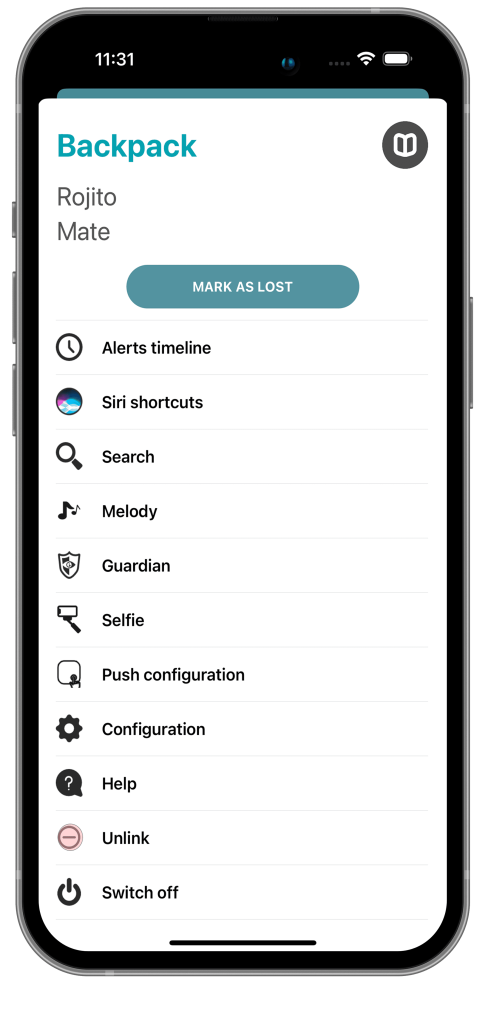
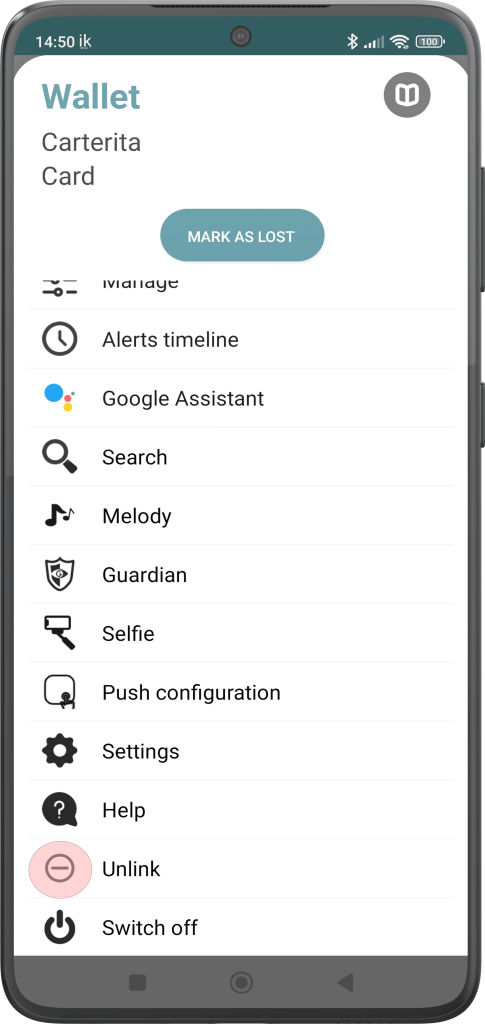
To carry out this procedure, you must click on a device to access its settings and on the penultimate option on the list called “Unlink | inthesk |”.
In Android
In iOS