

 Español
 Français
 Deutsch
 Português
Unihertz
Story
On at least Unihertz’s Atom L and Atom XL devices, there is a third-party background blocking application. It, combined with other default Android battery optimizations, can sneakily cause apps to not work as expected. Luckily, the steps to fix this are straightforward.
Solution for users
- Follow other vendors optimization steps, such as enabling ‘ignore optimizations,’ for your app.
- Go to Settings > Intelligent assistance > App blocker. Find your app, tap it. You can also disable the App blocker completely.
- Uncheck all settings, which include Boot blocker, Start blocker, Background blocker, and Background cleanup.
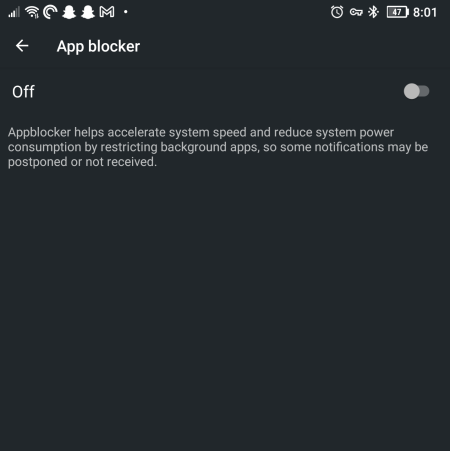
App blocker disabled.